New look + deSwitcher 3.0
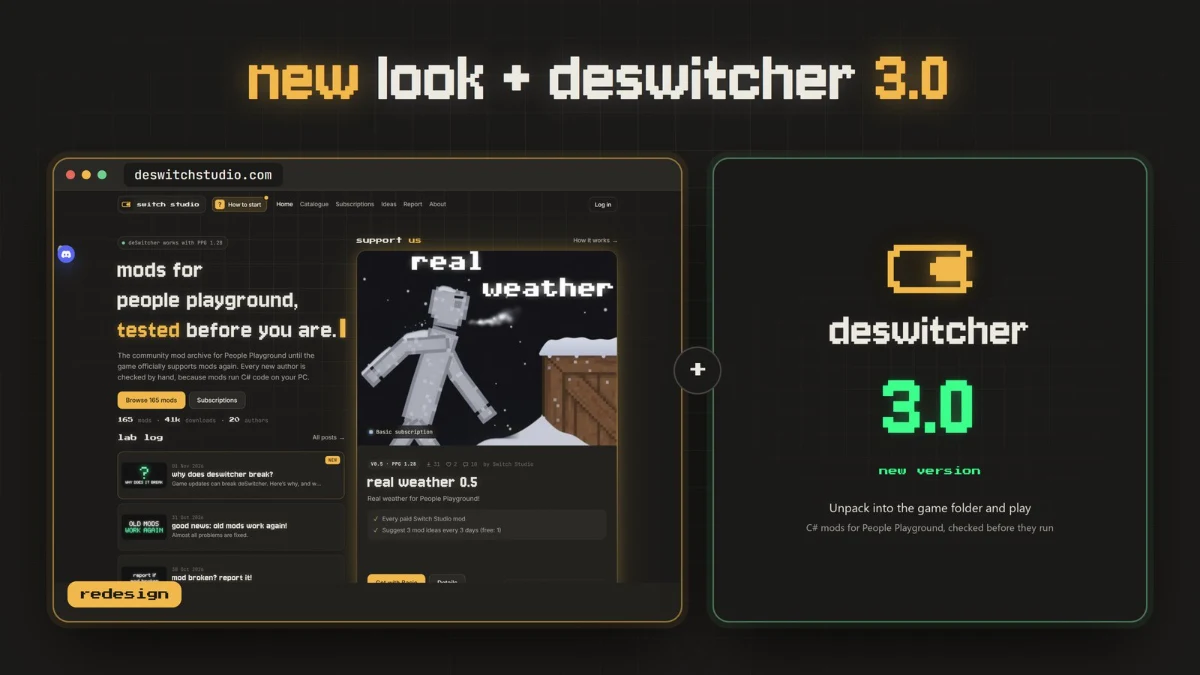
Two big updates landed at once: the site got a full redesign, and deSwitcher 3.0 is out. The site got a new look
- New look. Same mod archive, new design: warm dark colors, pixel titles and a new switch logo. - Smarter catalogue. Pick several tags at once, sort by newest, most downloaded or most liked, filter free and paid mods. Not sure what to play? Hit Random mod. - This week. New mods and updates from the last 7 days are right at the top of the catalogue. - How to start. The button next to the logo shows the 3 steps to get mods running: install deSwitcher, pick a mod, put it in the Mods folder. - Lab log right on the home page, so you don't miss news like this one. - Discord. Our server is one click away, and you can see how many people are online right now. deSwitcher 3.0
- Your game files stay untouched. deSwitcher now loads at game start without changing the game's files, so Steam updates and Verify integrity of game files no longer turn it off. - Easier install. Unpack the archive into the game folder and mods just work. The old version switches itself off on the first start. - Catches hidden loaders. Some mods sneak their own loader into the game. deSwitcher finds them and removes them in one click. - A broken mod can't lock you out. If a mod closes the game twice in a row, it is skipped next time and deSwitcher tells you which one. - Survives game updates. If an update breaks one part of deSwitcher, only that part turns off and you get a clear message. - New in-game look in the site's colors, with a mod list in the main menu.
Updating from 2.x? Close the game, unpack deSwitcher 3.0 into the game folder and replace the files. That's it. The first start takes about a minute while your mods are compiled again.
Download deSwitcher 3.0
Found a bug on the site or in deSwitcher? Tell us on the Report page or in our Discord.